
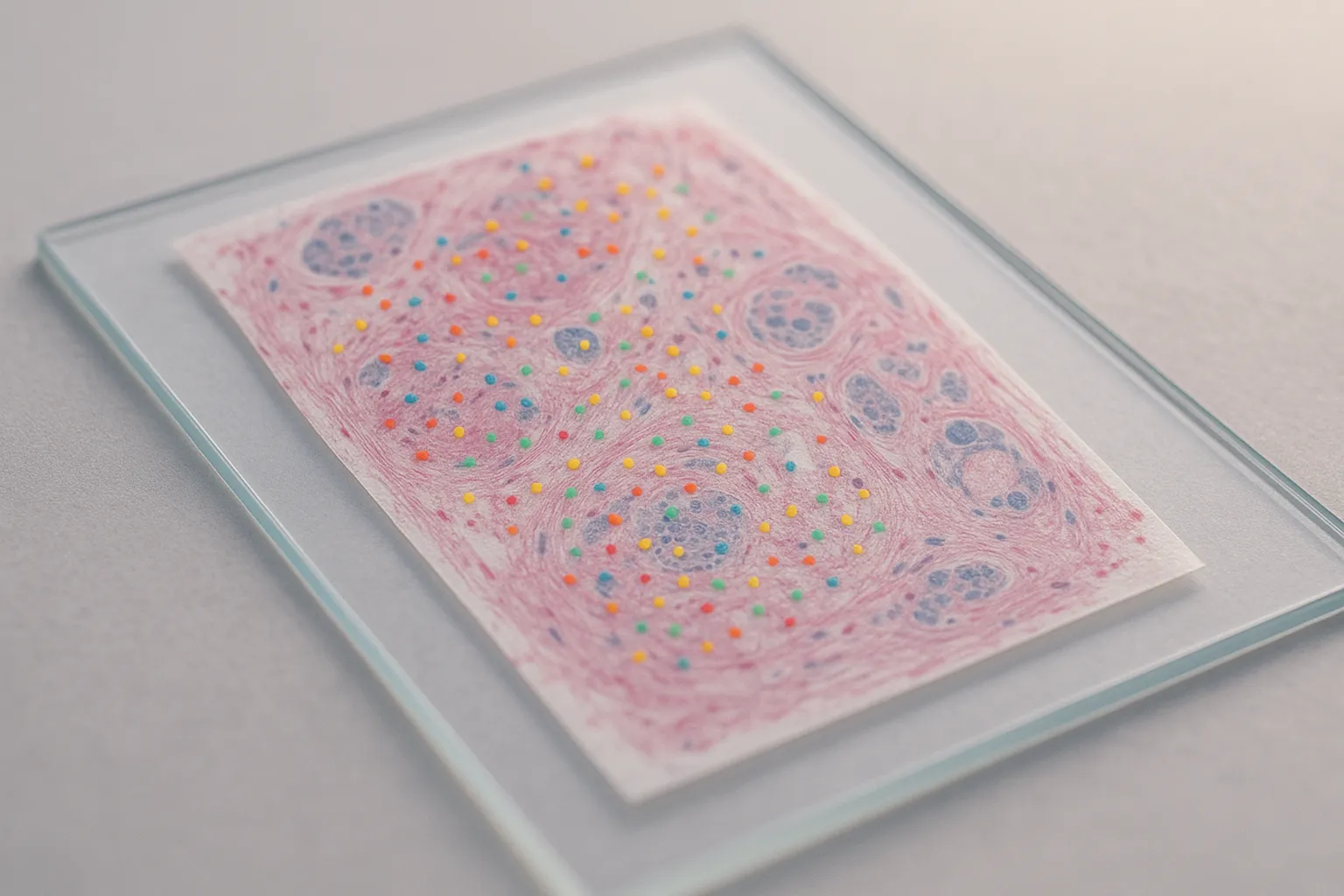
10x Xenium is a fluorescence in situ hybridization–based spatial imaging platform. Currently, 10x offers 11 predesigned probe panels, divided into two categories: Xenium V1 and Xenium Prime 5K. Both allow researchers to add up to 100 custom genes on top of the predesigned panels, enabling flexibility for specialized applications.
For more complex studies, 10x Genomics also offers a fully custom probe design service that supports up to 480 genes, including non-human and non-mouse species. This is especially valuable in comparative biology, veterinary studies, plant research, or cross-species immunology.
While 10x provides the Xenium Panel Designer software to streamline design, the learning curve can be challenging. Below we break down each step—from data preparation, to probe design, to final order submission—so you can avoid common pitfalls and achieve successful outcomes.
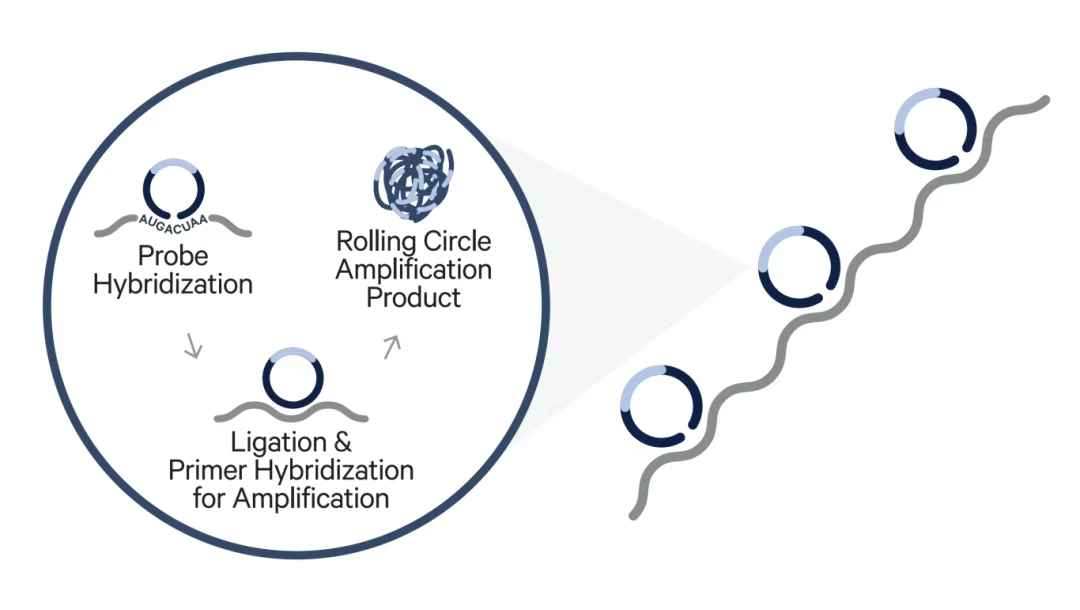
Figure 1 Schematic illustration of Xenium probes (source: 10x Genomics)
Depending on your species and experimental design, 10x Genomics supports two distinct workflows:
Who it’s for:
Extending an existing V1 or Prime 5K panel with up to 100 extra genes.
Designing custom probes (≤480 genes) for human or mouse reference panels.
Process:
Use Xenium Panel Designer to upload data and gene lists.
Generate a Design ID
Place the order through your distributor.
Who it’s for:
Non-human and non-mouse species.
Cross-species or mixed-species samples.
Highly specific needs (e.g., SNVs, allelic variants, gene fusions, viral sequences, CRISPR guides, fluorescent proteins, protein tags, CDR3 clonotypes).
Process:
Contact a 10x sales representative.
Collaborate with the 10x bioinformatics team to refine design.
Submit via Panel Designer once the requirements are confirmed.
The quality of your input single-cell data is critical. Xenium Panel Designer relies on annotated single-cell expression profiles to identify highly expressed genes that may cause optical crowding (strong fluorescent signals masking weaker ones).
CLOUPE file
Generated by Cell Ranger.
Contains clustering and annotations.
No separate annotation file required.
HDF5 or MEX matrix
Must be unnormalized, unfiltered, with cell barcodes.
Requires an annotation file (CSV/TSV).
Package as .zip, .tar, or .tar.gz.
Two-column format with headers:
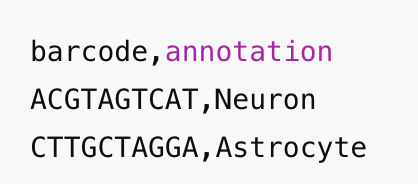
File must align perfectly with barcodes in the matrix.
Inconsistent suffixes or prefixes between matrix and annotation files often cause upload errors.
Recommended: <500 MB per dataset.
If >500 MB, reduce the number of cells or samples before upload.
If you don’t have your own dataset, 10x provides publicly available single-cell datasets.
You may combine public and proprietary datasets to strengthen design.
The gene list is the foundation of customization.
Gene symbols or Ensembl IDs.
Optional probe group number.
Examples:
EGFR
ENSG00000146648
EGFR,5
ENSG00000146648,5
EGFR, ENSG00000146648,7
ENSG00000146648, EGFR,7
Gene IDs must match the human/mouse 2020-A reference GTF.
Do not include transcript IDs.
Do not include Ensembl decimal versions (e.g., ENSG0000010404.3 ❌).
Sort genes from most important to least important.
Provide 10–20 backup genes in case replacements are required.
When adding probes to an existing panel, avoid duplicating genes already present.
Register an account on the 10x Genomics.
Log in to launch the Xenium Panel Designer tool.
1. Select the panel type (V1, Prime 5K, or custom).
2. Upload single-cell data.
3. Upload the gene list.
4. Generate a panel summary with design warnings.
Mismatched gene IDs between gene list and 2020-A reference.
Typos or spaces in gene names.
Missing column headers in annotation files.
Barcode mismatches (annotation suffixes not matching matrix barcodes).
The tool may flag:
High-expression genes → risk of optical crowding.
Insufficient probe groups → poor detection.
Low cell-type resolution → clustering issues.
Adjust gene list and re-run until warnings are cleared.
Once satisfied, click Finish to generate a Design ID.
Provide this ID to your 10x distributor to complete the purchase.
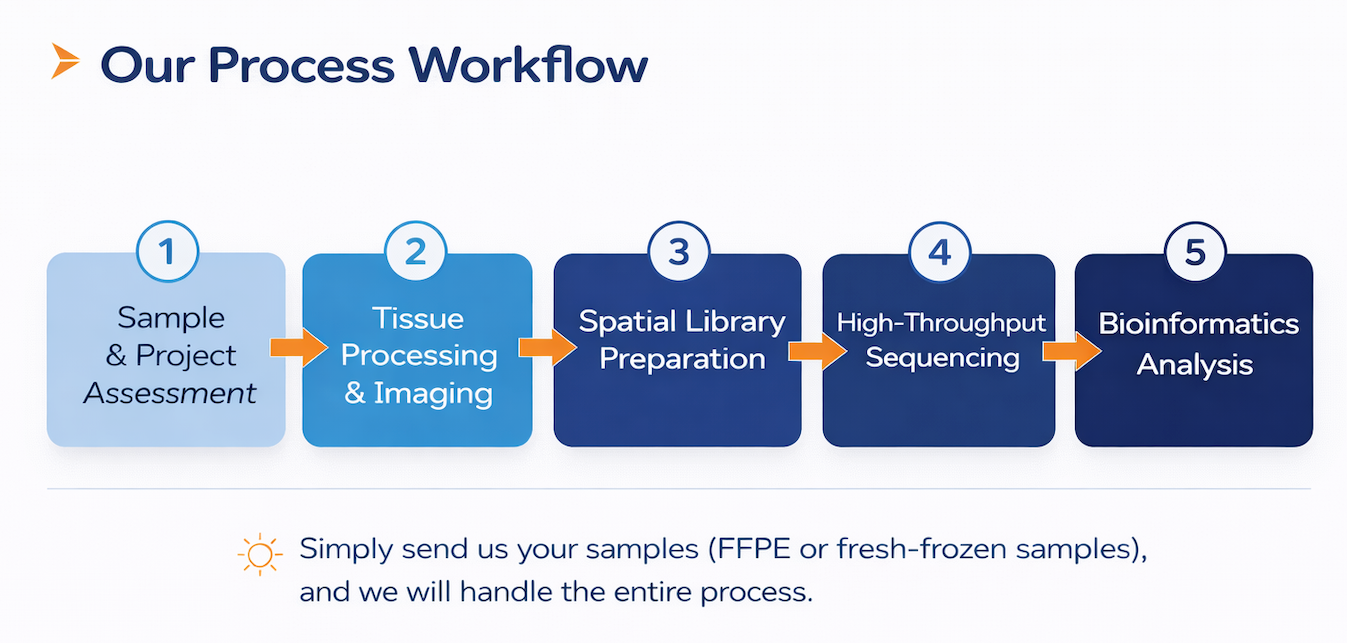
At Omics Empower, we provide end-to-end Xenium services, supporting researchers from sample processing to advanced spatial data analysis. Our team works closely with clients to design practical workflows that align with their study goals, sample types, and project timelines.
Extensive project experience: Over 20,000 processed samples across neuroscience, oncology, immunology, developmental biology, plant sciences, and agriculture.
Proven research impact: More than 500 publications in single cell sequencing and spatial transcriptomics by our partners in high-impact journals such as Nature, Cell, and the European Heart Journal.
Comprehensive Xenium expertise: Optimized workflows across multiple Xenium platforms, ensuring reliable performance for both human/mouse and non-human projects.
Global laboratory network: With facilities in Europe, Asia, and the United States, we offer consistent service standards, local project support, and faster turnaround times.
In addition to Xenium, we also offer other spatial transcriptomics solutions such as STOmics Stereo-seq. If you are deciding between platforms, our team can help assess which approach best fits your project.
Get in touch with us today to discuss your project and see how Omics Empower can accelerate your next discovery.
If you are planning a Xenium study, these related articles may help you further evaluate probe design, compare spatial platforms, and choose the most suitable workflow for your research goals:
Germany: Arnold-Graffi-Haus / D85 Robert-Rössle-Straße 10 13125 Berlin
United States: (CA) 2 Goddard, Irvine, CA 92618
United States: (IL) 8255 Lemont Rd, #1, Darien, IL 60561
Hong Kong: Unit 615, Building 11W, Hong Kong Science Park, Pak Shek Kok, Hong Kong
Germany: Arnold-Graffi-Haus / D85 Robert-Rössle-Straße 10 13125 Berlin
United States: (CA) 2 Goddard, Irvine, CA 92618
United States: (IL) 8255 Lemont Rd, #1, Darien, IL 60561
Hong Kong: Unit 615, Building 11W, Hong Kong Science Park, Pak Shek Kok, Hong Kong
Germany: Arnold-Graffi-Haus / D85 Robert-Rössle-Straße 10 13125 Berlin
United States: (CA) 2 Goddard, Irvine, CA 92618
United States: (IL) 8255 Lemont Rd, #1, Darien, IL 60561
Hong Kong: Unit 615, Building 11W, Hong Kong Science Park, Pak Shek Kok, Hong Kong

 EN
EN
 de
de